Author: Karol Orzeł

AI landscape design – choosing the right software
Blog

AI landscape design – choosing the right software

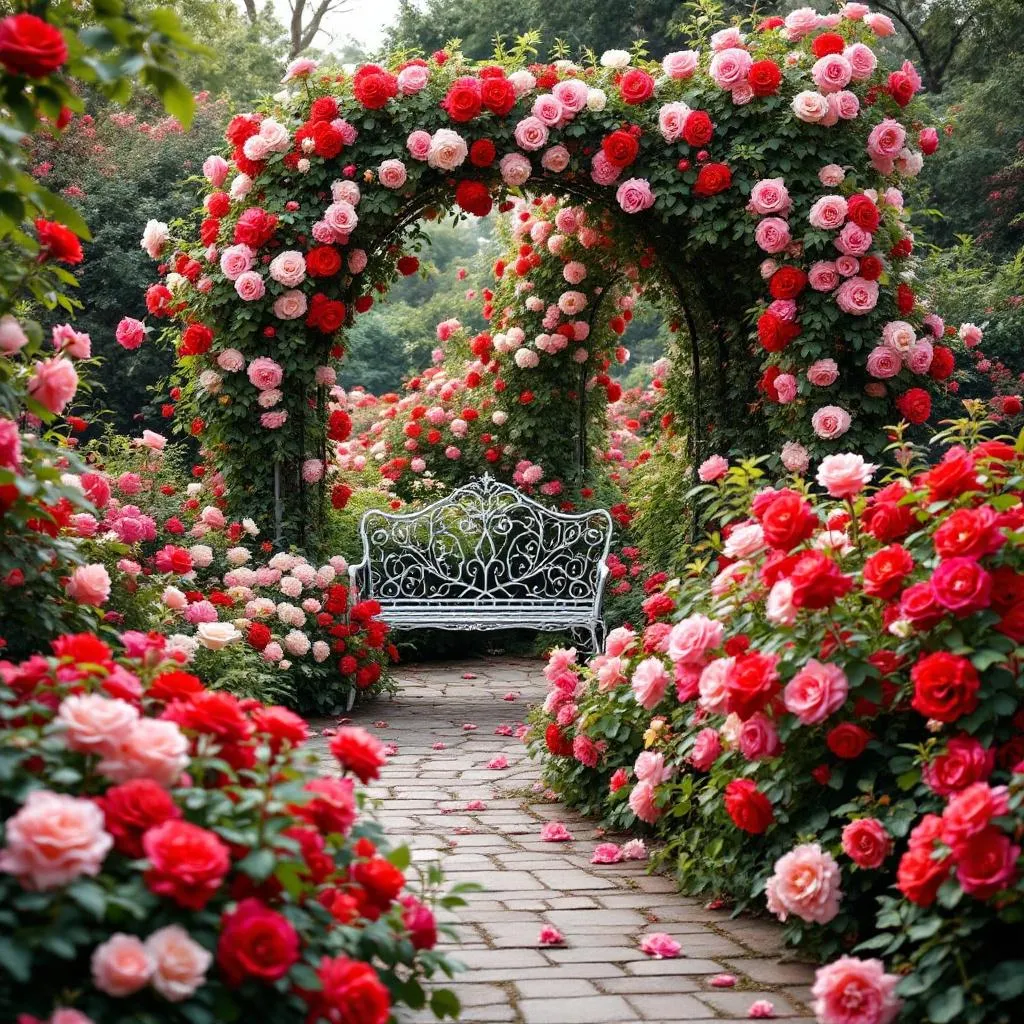
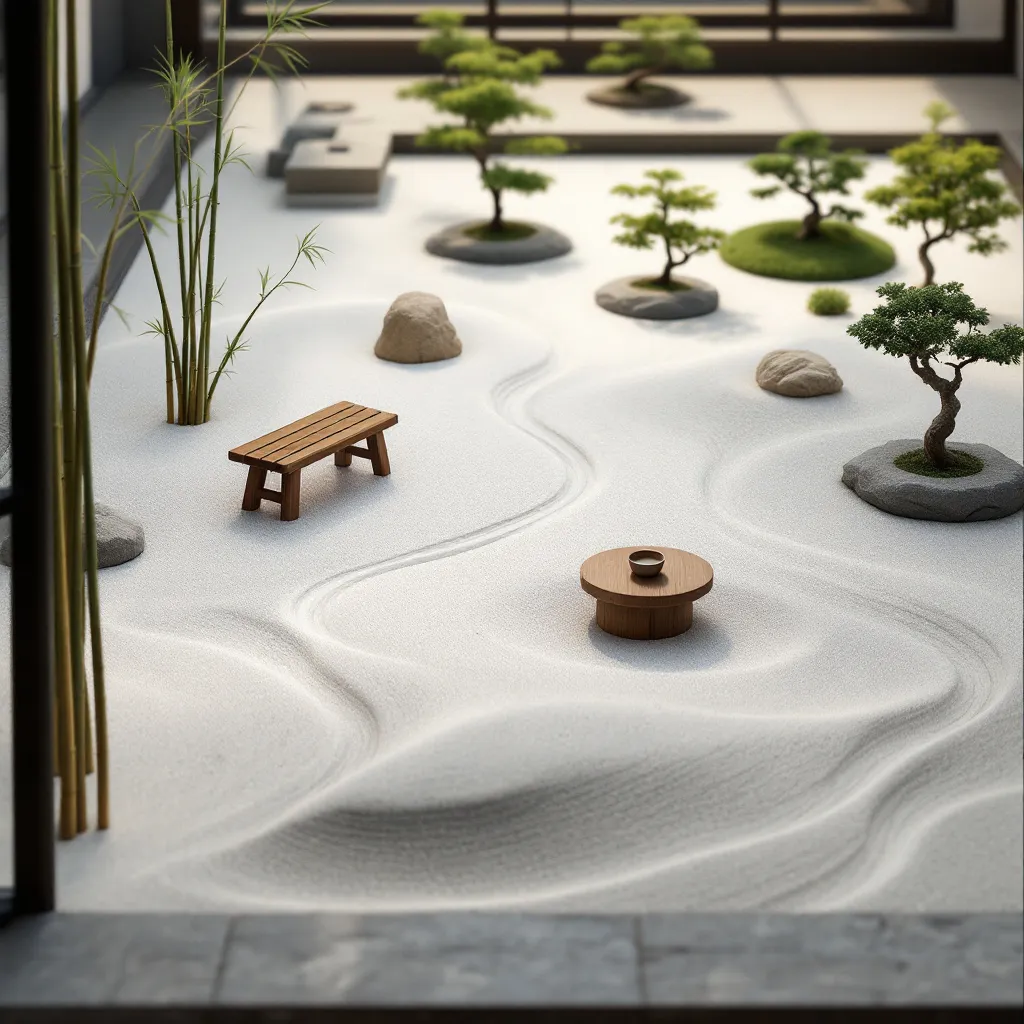
AI landscape design is reshaping how both professionals and hobbyists create outdoor spaces. Yet the term “software” can mean anything from a full-blown CAD/BIM suite to a lightweight web app that transforms a single photo. Below you’ll see which tools suit landscape architects tackling large-scale projects—and where Ogrovision comes in as a quick, intuitive option for garden enthusiasts. Advanced landscape design software for professionals Software Best for Key capabilities Vectorworks Landmark Landscape architects, BIM workflows 2D/3D modeling, plant databases, grading, quantity take-offs AutoCAD + Land F/X Designers rooted in AutoCAD Automated planting plans, irrigation layouts, spec sheets SketchUp Pro + garden plug-ins Conceptual 3D visuals Intuitive modeling, vast component libraries, real-time rendering links Realtime Landscaping… Read More

Garden Ideas: 10 Stunning Front Yard Designs for 2025
Blog

Garden Ideas: 10 Stunning Front Yard Designs for 2025

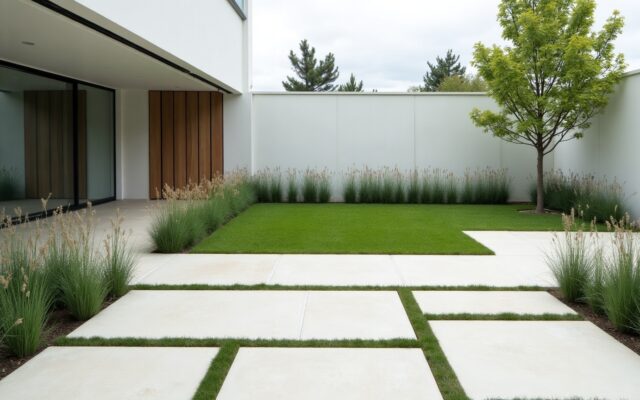
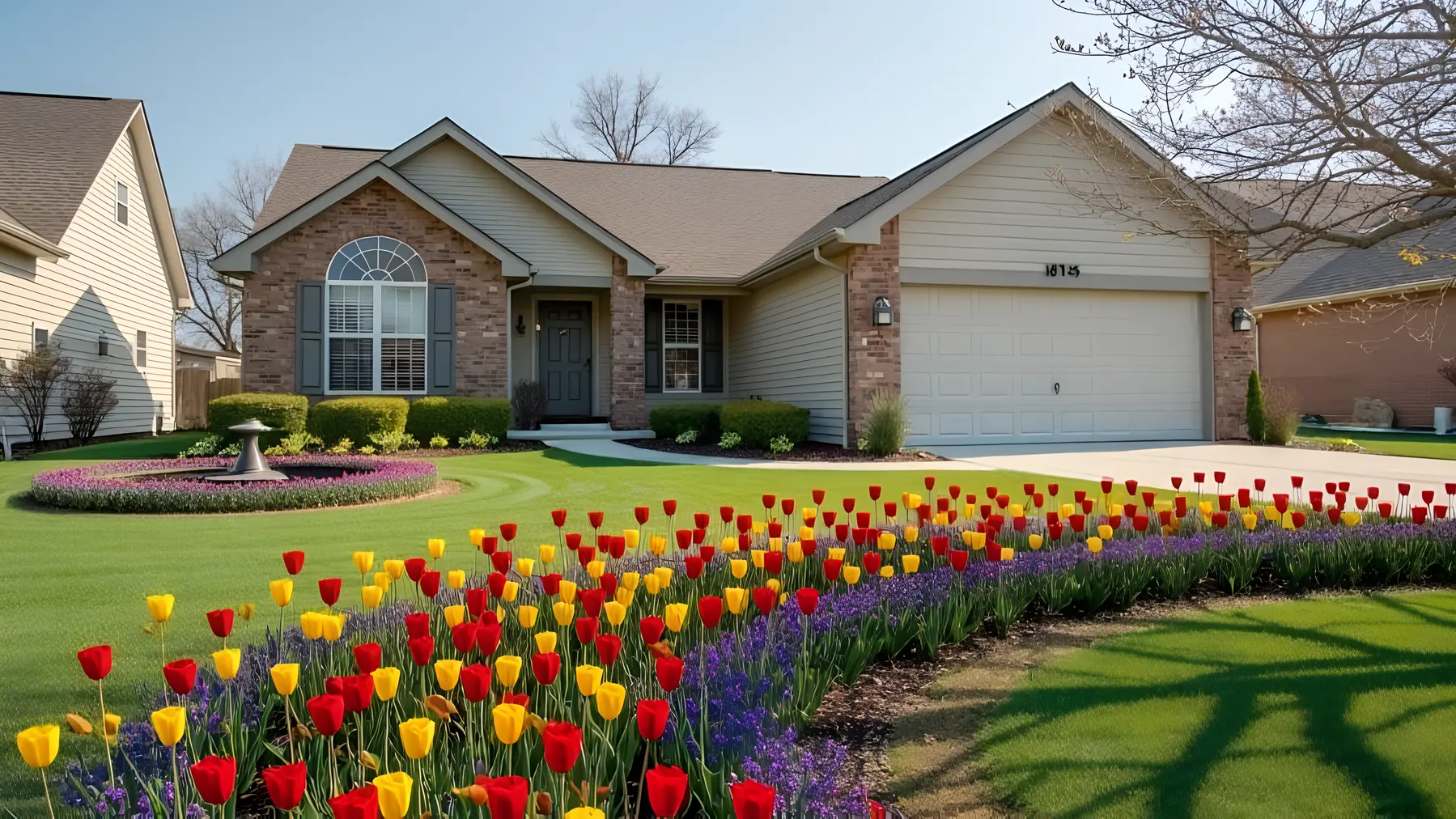
Why Front Yards Matter More Than Ever in 2025 The front yard is no longer just ornamental; it’s the first chapter of your home’s sustainability story. Designers predict a surge in drought‑resistant planting, native species, and pollinator stations as homeowners balance curb appeal with ecological responsibility. Climate‑Positive Pollinator Patchwork Give bees, butterflies, and neighbors something to buzz about. Fill your front yard with a mosaic of native wildflowers arranged in drifting blocks of color. A permeable gravel path guides visitors while a sculptural bird bath doubles as focal point and water source. The result is a lawn‑free, low‑maintenance space that sequesters carbon and overflows with life. Prompt for OgrovisionFront yard, climate‑positive pollinator patchwork, native… Read More

AI Landscape Design: Transform Your Garden with Ogrovision AI
Blog

AI Landscape Design: Transform Your Garden with Ogrovision AI

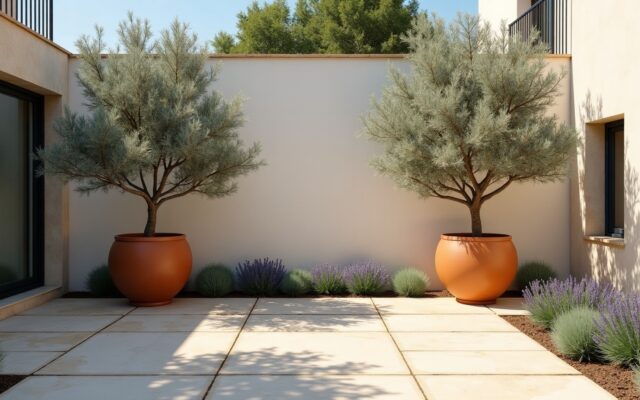
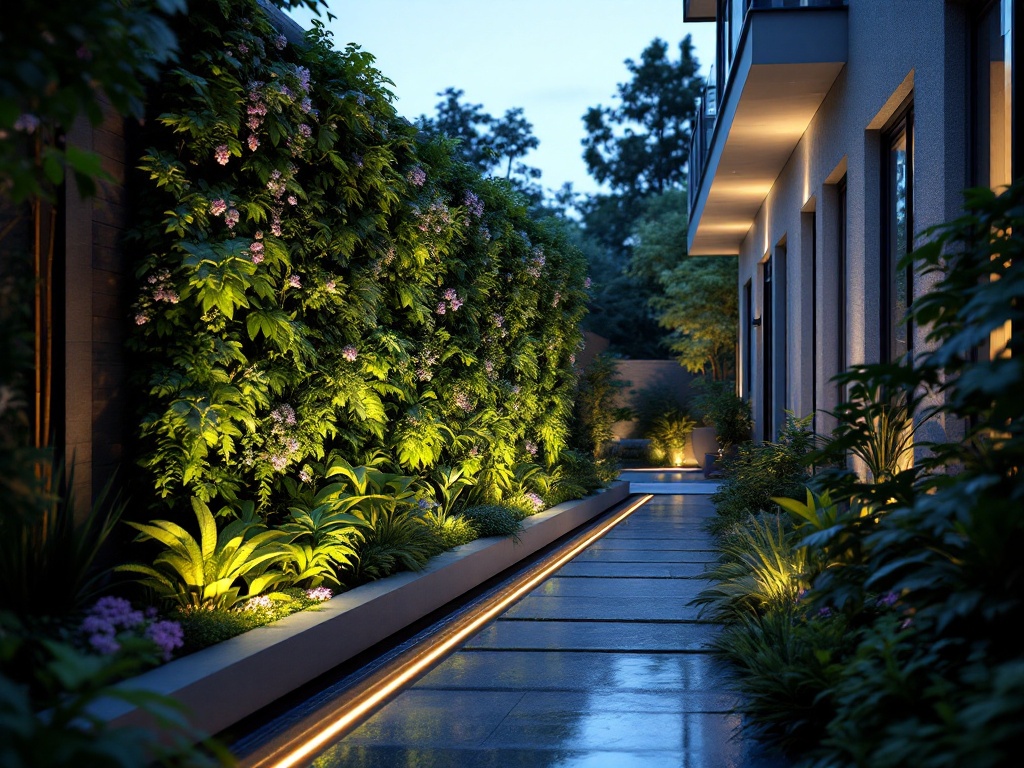
Ogrovision is an innovative ai landscape design tool that revolutionizes how homeowners and garden enthusiasts approach landscape design. Instead of struggling with sketches or expensive consultations, Ogrovision uses artificial intelligence to transform a photo of your yard into a beautiful, personalized garden visualization. With just a few clicks, you can explore new garden styles, sustainable layouts, and creative landscaping ideas—tailored exactly to your space. By combining advanced image generation with intuitive text prompts, Ogrovision empowers users to experiment with raised beds, flower zones, lawn configurations, and much more. Whether you’re starting from scratch or upgrading an existing yard, Ogrovision helps bring your garden vision to life. It’s like a virtual gardener. How Does AI Garden Design with Ogrovision… Read More

How to Design Beautiful Flower Beds Using Ogrovision?
Tutorials

How to Design Beautiful Flower Beds Using Ogrovision?

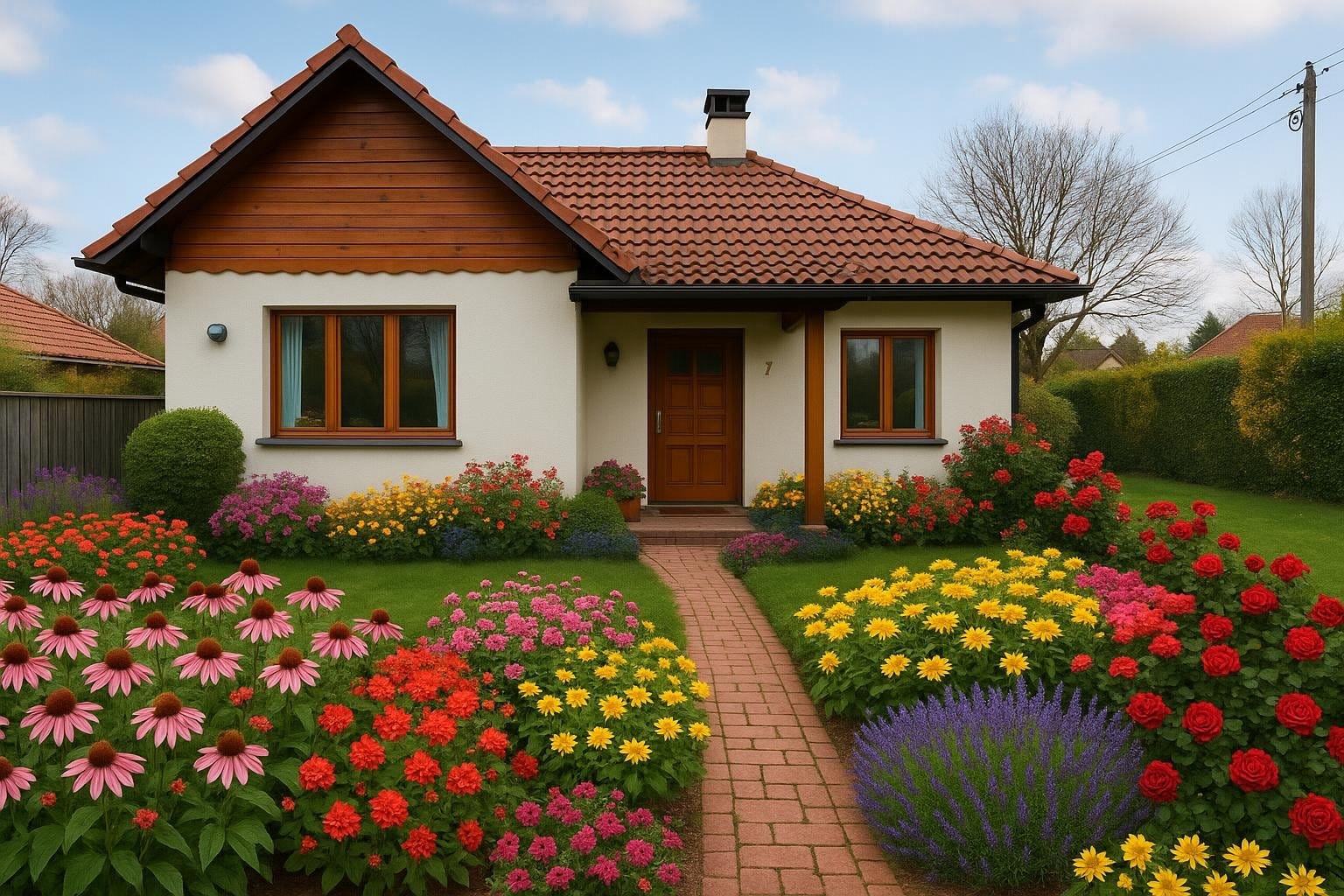
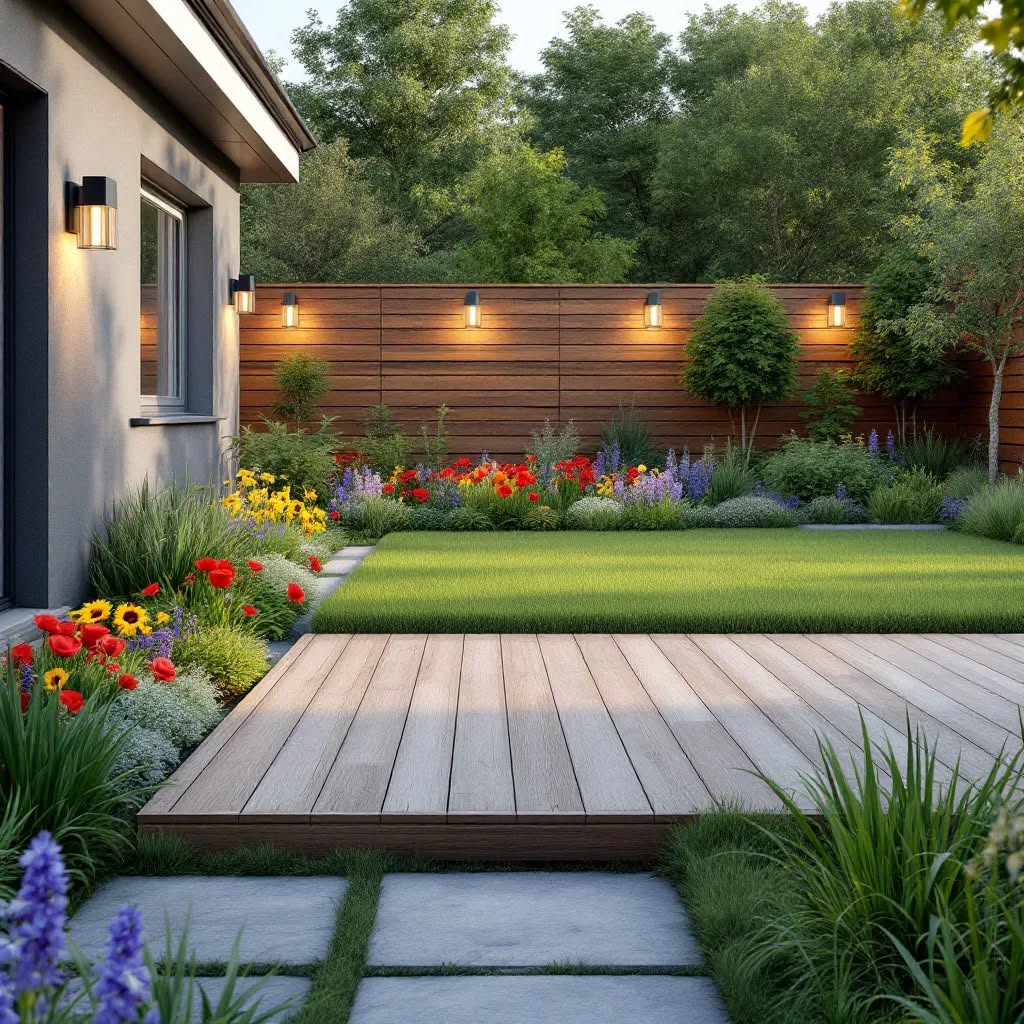
Looking for flower bed ideas for your yard or the area in front of your house? Want to explore raised flower beds or plan a modern layout for your garden? With Ogrovision, you can create your own flower bed designs in minutes – based on a photo of your garden and a simple text description. No gardening experience or design skills needed. All you need is a picture, an idea, and Ogrovision will do the rest. What is Ogrovision? Ogrovision is an AI-powered garden visualization tool. It uses advanced image generation (Flux model) to transform your photo into a realistic garden design – including elevated garden beds, front yard flower beds, or even metal raised garden beds for vegetables. Read More

How to Use Prompts in Ogrovision – A Beginner’s Guide
Blog Tutorials

How to Use Prompts in Ogrovision – A Beginner’s Guide

Ogrovision is an innovative tool that lets you quickly visualize garden transformations using simple text descriptions, known as prompts. If you’re new to using Ogrovision, this guide will show you how to craft effective prompts to get the best results. Understanding the Ogrovision Interface The Prompt Input Box (1) The most important feature in Ogrovision is the prompt input box. Here you describe what kind of changes you’d like to see in your garden based on the photo you’ve uploaded. Your prompt can be simple, like “Turn my lawn into a Japanese garden,” or more detailed, like: “Change my front yard into a beautifully designed garden for a family home with vibrant flower beds in shades… Read More

How to Draw Masks in Ogrovision: A Beginner’s Guide
Blog Tutorials

How to Draw Masks in Ogrovision: A Beginner’s Guide

Masks are one of the most important features in Ogrovision, as they let you define exactly which parts of your photo should be changed by the AI. Think of it like “pointing a finger” at the area you want to modify. Although the concept might sound a bit mysterious at first, it’s actually quite simple: once you highlight a specific region of your image (the mask), Ogrovision knows where to apply the changes. Below, you’ll find an easy-to-follow overview on using masks effectively. What Are Masks, and Why Use Them? A “mask” is any section of your photo that you indicate for alteration. Whether you want to add a new row of flowers, adjust the… Read More

ChatGPT Garden Design vs Ogrovision: Which Tool Works Best?
Blog

ChatGPT Garden Design vs Ogrovision: Which Tool Works Best?

Recently, more and more people are searching for terms like ChatGPT garden design or even ChatGPT garden project. It’s no surprise – AI-generated visualizations are becoming increasingly popular. However, if you really want to see what your dream garden could look like, Ogrovision might be the better choice. Why? ChatGPT – Advanced Generation, But… ChatGPT (in its full, paid version or limited trial) can generate impressive images. You can describe your dream space, and the tool will create a general visualization based on your words. It’s a great aid for the early stages of garden planning. However, when it comes to making precise edits, there’s a limitation. Limited Inpainting Capabilities One of the most exciting… Read More

New! Plant Info and Planting Plans in Ogrovision
Blog

New! Plant Info and Planting Plans in Ogrovision

It’s here – planting plans and plant information in Ogrovision. Have you ever wondered how fast the plants in your visualization grow, what kind of soil they need, or how to properly care for them? With our new “Plant Info” feature, all this is now just a click away! One Click – Tons of Useful Info After generating a visualization in Ogrovision, you’ll notice a new button: Plant Info. Just one click and selecting a section is all it takes… …or uploading the full image to display detailed data about all the plant species used in your project. You’ll find information such as: Care Instructions for Every Species The new tab also includes: Your Planting Plan,… Read More

Best Photo Tips for AI Garden Design in Ogrovision
Blog Tutorials

Best Photo Tips for AI Garden Design in Ogrovision

To get the best results when using Ogrovision, it’s crucial to upload the right photo. A high-quality image helps the AI understand the context and generate realistic, precise designs, while an unsuitable photo may hinder the visualization process. Photos to Avoid Not every photo is suitable for a garden makeover, and your results may fall short of expectations. Below are some types of photos, along with examples, that can negatively affect the final outcome: Photos That Deliver the Best Results ✅ For optimal results, follow these simple tips: Summary Choosing the right photo is a key step in transforming your garden with Ogrovision. Avoid photos with people, close-ups, or tilted angles, and instead focus on wide-angle, level, high-resolution… Read More

How to Fix Photo Orientation Issues in Ogrovision?
Blog Tutorials

How to Fix Photo Orientation Issues in Ogrovision?

While using Ogrovision (AI Garden), many users upload photos directly from their phones. Unfortunately, we often see cases where images have the wrong orientation — vertical photos appear horizontal, and horizontal ones appear vertical. It may seem trivial, but this issue can disrupt the visualization process. Example: At Ogrovision, we’re working on an automatic solution to this issue, but in the meantime we’ve released a manual rotation feature within our editor. This allows users to quickly adjust the orientation of their image and continue working on their garden visualization without interruptions. How to Rotate a Photo in Ogrovision (AI Garden)? The new editor feature lets you rotate images easily using dedicated buttons. Here’s a step-by-step guide:… Read More