Blog

How to Use Prompts in Ogrovision – A Beginner’s Guide
Blog Tutorials

How to Use Prompts in Ogrovision – A Beginner’s Guide

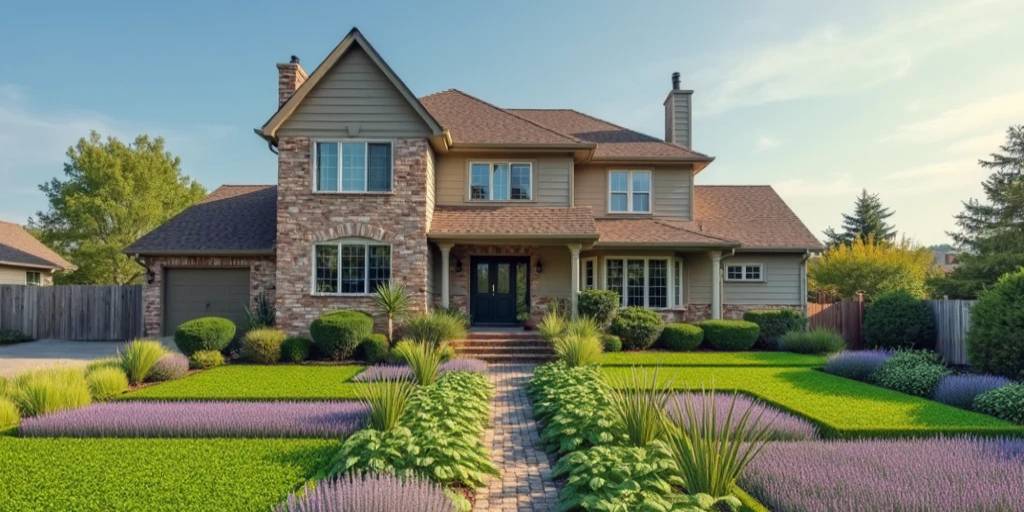
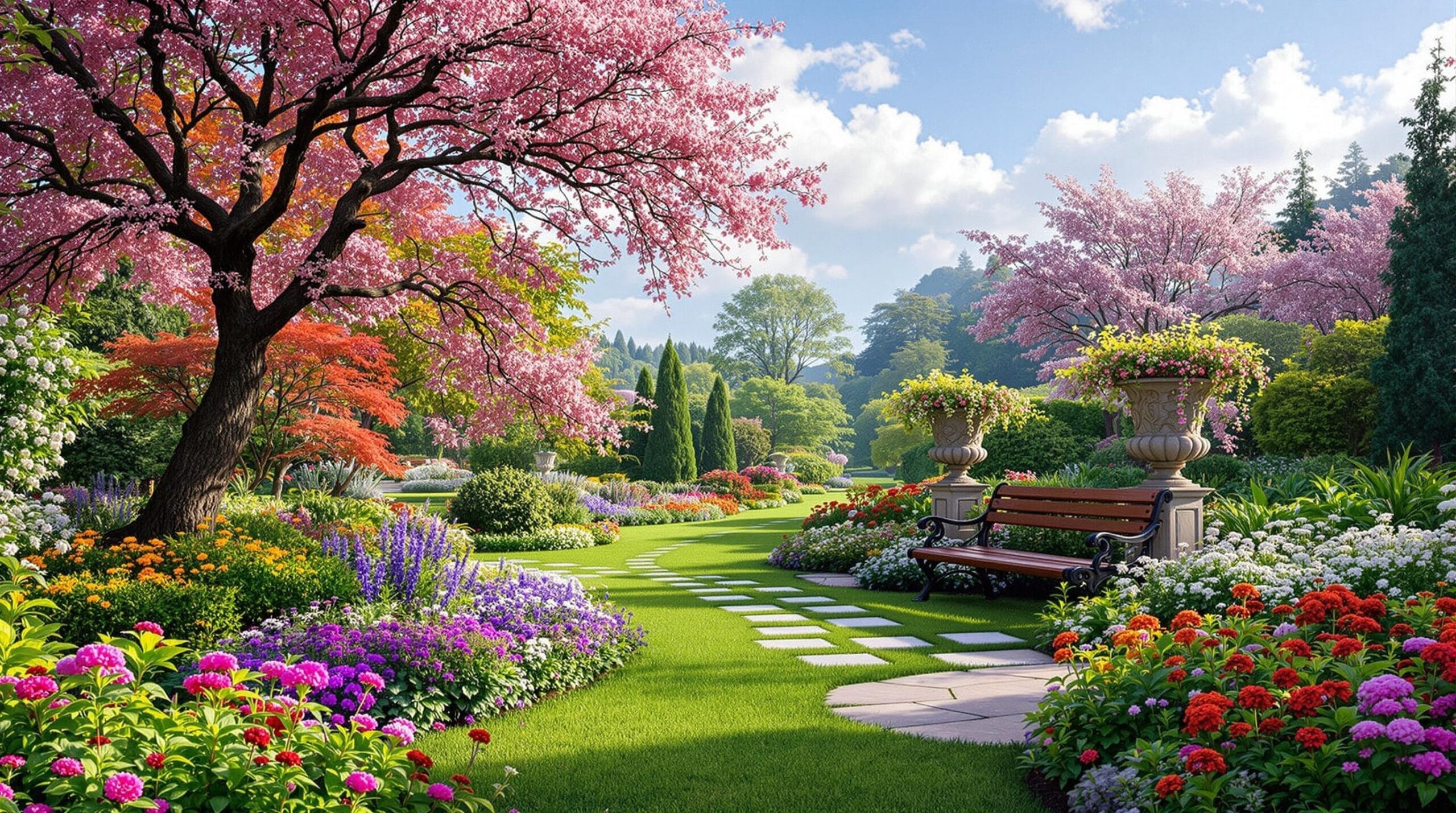
Ogrovision is an innovative tool that lets you quickly visualize garden transformations using simple text descriptions, known as prompts. If you’re new to using Ogrovision, this guide will show you how to craft effective prompts to get the best results. Understanding the Ogrovision Interface The Prompt Input Box (1) The most important feature in Ogrovision is the prompt input box. Here you describe what kind of changes you’d like to see in your garden based on the photo you’ve uploaded. Your prompt can be simple, like “Turn my lawn into a Japanese garden,” or more detailed, like: “Change my front yard into a beautifully designed garden for a family home with vibrant flower… Read More
How to Draw Masks in Ogrovision: A Beginner’s Guide
Blog Tutorials

How to Draw Masks in Ogrovision: A Beginner’s Guide

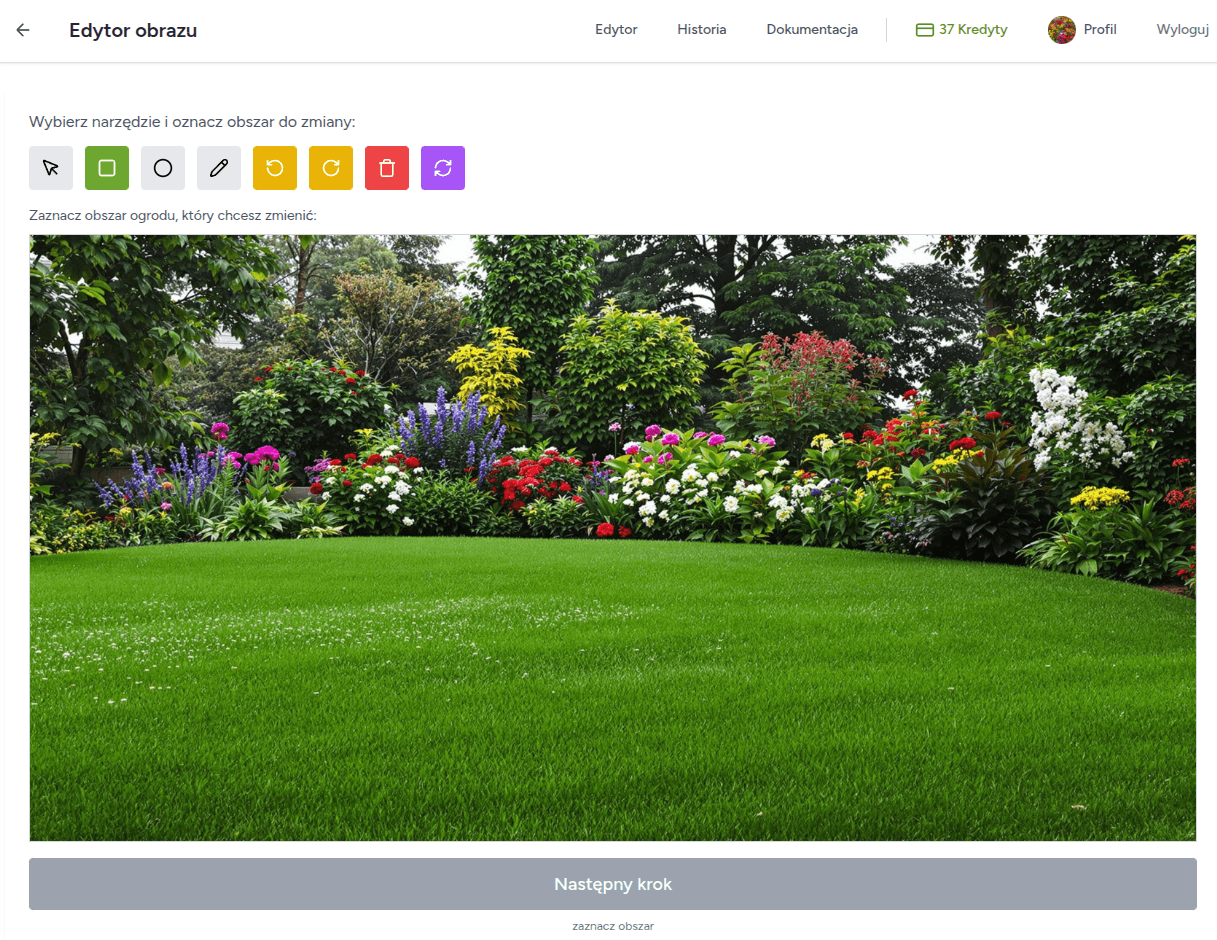
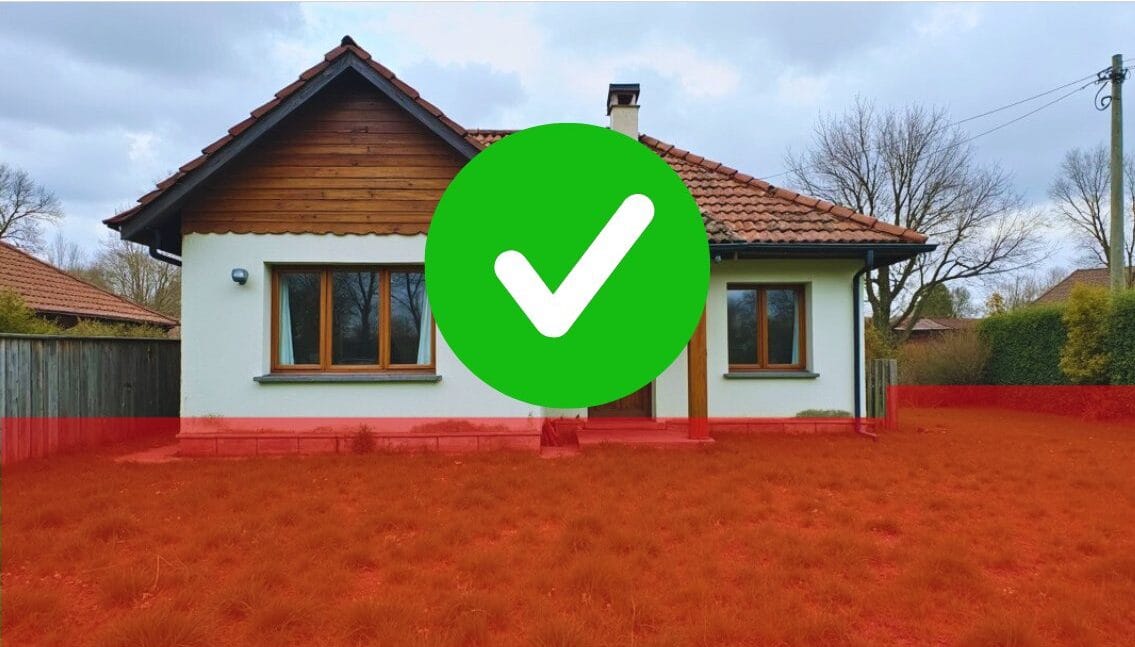
Masks are one of the most important features in Ogrovision, as they let you define exactly which parts of your photo should be changed by the AI. Think of it like “pointing a finger” at the area you want to modify. Although the concept might sound a bit mysterious at first, it’s actually quite simple: once you highlight a specific region of your image (the mask), Ogrovision knows where to apply the changes. Below, you’ll find an easy-to-follow overview on using masks effectively. What Are Masks, and Why Use Them? A “mask” is any section of your photo that you indicate for alteration. Whether you want to add a new row of flowers,… Read More

ChatGPT Garden Design vs Ogrovision: Which Tool Works Best?
Blog

ChatGPT Garden Design vs Ogrovision: Which Tool Works Best?

Recently, more and more people are searching for terms like ChatGPT garden design or even ChatGPT garden project. It’s no surprise – AI-generated visualizations are becoming increasingly popular. However, if you really want to see what your dream garden could look like, Ogrovision might be the better choice. Why? ChatGPT – Advanced Generation, But… ChatGPT (in its full, paid version or limited trial) can generate impressive images. You can describe your dream space, and the tool will create a general visualization based on your words. It’s a great aid for the early stages of garden planning. However, when it comes to making precise edits, there’s a limitation. Limited Inpainting Capabilities One of… Read More

New! Plant Info and Planting Plans in Ogrovision
Blog

New! Plant Info and Planting Plans in Ogrovision

It’s here – planting plans and plant information in Ogrovision. Have you ever wondered how fast the plants in your visualization grow, what kind of soil they need, or how to properly care for them? With our new “Plant Info” feature, all this is now just a click away! One Click – Tons of Useful Info After generating a visualization in Ogrovision, you’ll notice a new button: Plant Info. Just one click and selecting a section is all it takes… …or uploading the full image to display detailed data about all the plant species used in your project. You’ll find information such as: Care Instructions for Every Species The new… Read More

Best Photo Tips for AI Garden Design in Ogrovision
Blog Tutorials

Best Photo Tips for AI Garden Design in Ogrovision

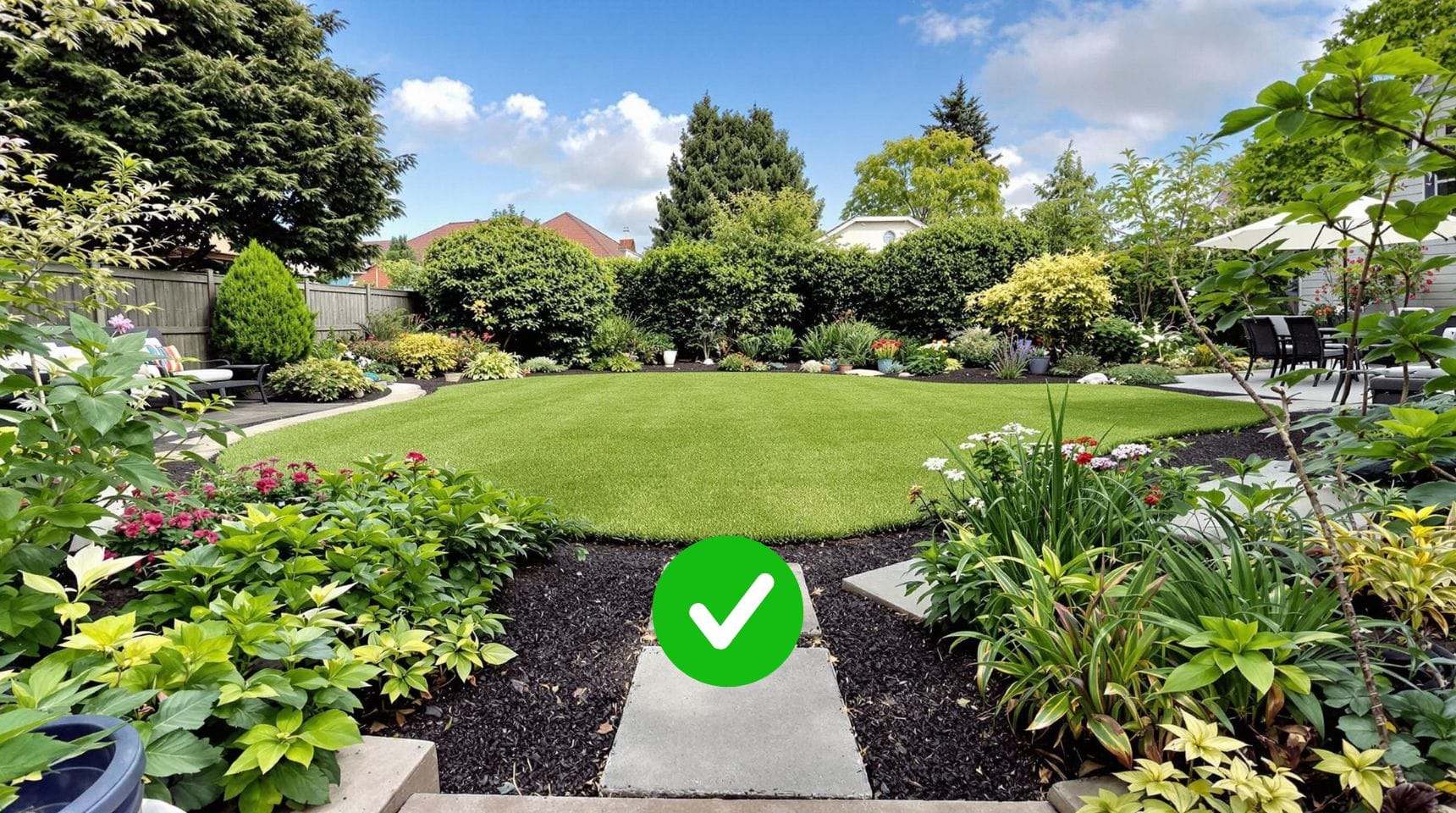
To get the best results when using Ogrovision, it’s crucial to upload the right photo. A high-quality image helps the AI understand the context and generate realistic, precise designs, while an unsuitable photo may hinder the visualization process. Photos to Avoid Not every photo is suitable for a garden makeover, and your results may fall short of expectations. Below are some types of photos, along with examples, that can negatively affect the final outcome: Photos That Deliver the Best Results ✅ For optimal results, follow these simple tips: Summary Choosing the right photo is a key step in transforming your garden with Ogrovision. Avoid photos with people, close-ups, or tilted angles, and instead focus… Read More

How to Fix Photo Orientation Issues in Ogrovision?
Blog Tutorials

How to Fix Photo Orientation Issues in Ogrovision?

While using Ogrovision (AI Garden), many users upload photos directly from their phones. Unfortunately, we often see cases where images have the wrong orientation — vertical photos appear horizontal, and horizontal ones appear vertical. It may seem trivial, but this issue can disrupt the visualization process. Example: At Ogrovision, we’re working on an automatic solution to this issue, but in the meantime we’ve released a manual rotation feature within our editor. This allows users to quickly adjust the orientation of their image and continue working on their garden visualization without interruptions. How to Rotate a Photo in Ogrovision (AI Garden)? The new editor feature lets you rotate images easily using dedicated buttons. Read More

AI Garden Design Online – Try Ogrovision for Free
Blog

AI Garden Design Online – Try Ogrovision for Free

AI garden design has never been easier! Thanks to artificial intelligence, you can now create your dream garden plan online in just a few minutes. AI garden design tools analyze your photos, detect space elements, and generate realistic visualizations. And with Ogrovision – the first platform of its kind – you can test these features for free! AI Garden Design – Fast and Easy Makeovers with Ogrovision Most AI garden design tools available on the international market are three times more expensive than Ogrovision and don’t offer a free trial. We give all users two free credits, so you can test everything before making a purchase. How does Ogrovision work? It’s super simple –… Read More

Transform Your Lawn into a Herb Garden with AI
Blog

Transform Your Lawn into a Herb Garden with AI

Sometimes all it takes is one good idea to turn a garden into a practical and beautiful space. In this example, we decided to transform a boring, unused lawn into a functional herb garden. The result? A stunning, aromatic space that not only looks great but also provides fresh herbs for everyday use. Before Just One Prompt To make this transformation, we used the Ogrovision app by selecting the area to modify and entering the following prompt: “Herb garden with evenly spaced beds of mint, basil, rosemary, and lavender.” Within seconds, the AI generated a visualization that perfectly captured the concept of a modern herb garden. After The Result… Read More