


Draw a shape directly on your garden photo, and AI will place exactly the element you choose — even based on a reference image from an online store. We’ve just released something many of you have been asking for.
Our new Precise Editing tool for precise garden design is built around a zone editor.
Upload a photo of your garden, draw simple shapes on it (rectangles, circles, or use the brush tool), and tell the AI what should appear inside each selected area.
Each drawn shape represents one specific element in your garden visualization.
Three ways to define what you want
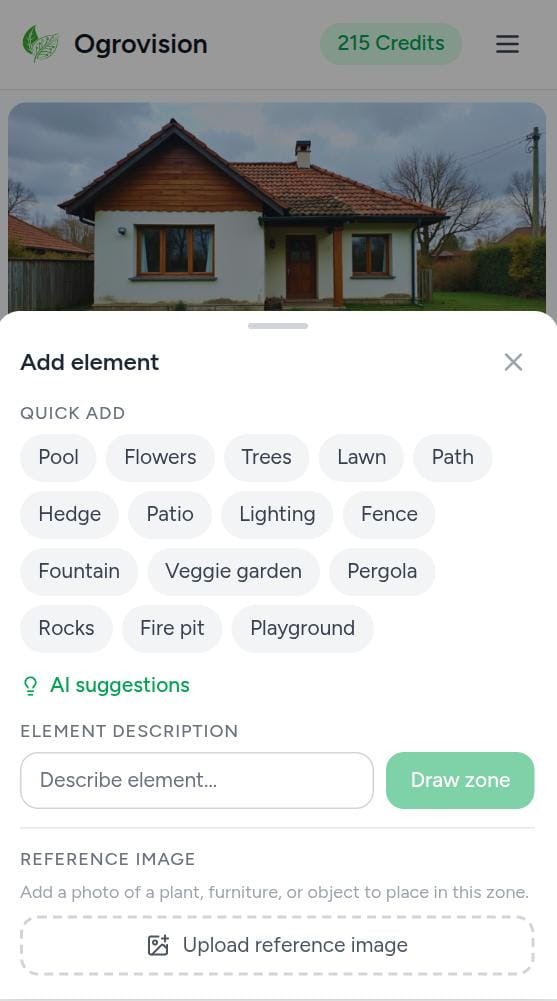
- Quick selection from predefined elements – insert ready-made objects from our built-in library with a single click.
- AI suggestions – click one of the suggested elements and keep designing.
- Custom prompt or reference image – describe exactly what you want to add — or upload a reference image from the internet, for example directly from an online garden store.
Available quick-insert elements
Swimming Pool · Flowers · Trees · Lawn · Pathway · Hedge · Patio · Lighting · Fence · Fountain · Vegetable Garden · Pergola · Stones · Fire Pit · Playground
See how it works in a real example
We uploaded a photo of our lawn and decided to add three elements:
- a stone pathway (from the built-in object library),
- a garden gazebo (using a reference image from the internet),
- a Japanese flowering cherry tree (using a product image from an online store).
Reference images were taken from the internet.
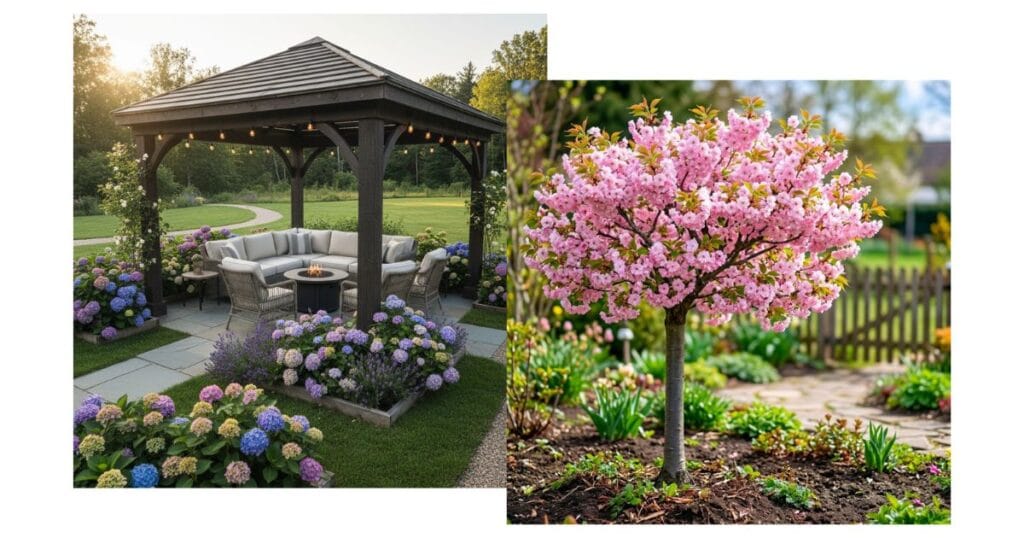
Before
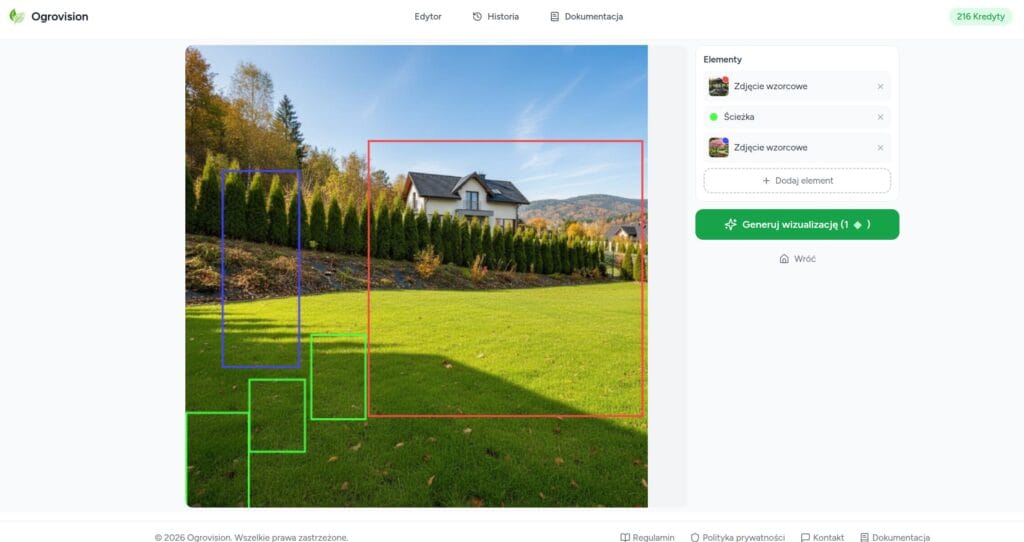
After
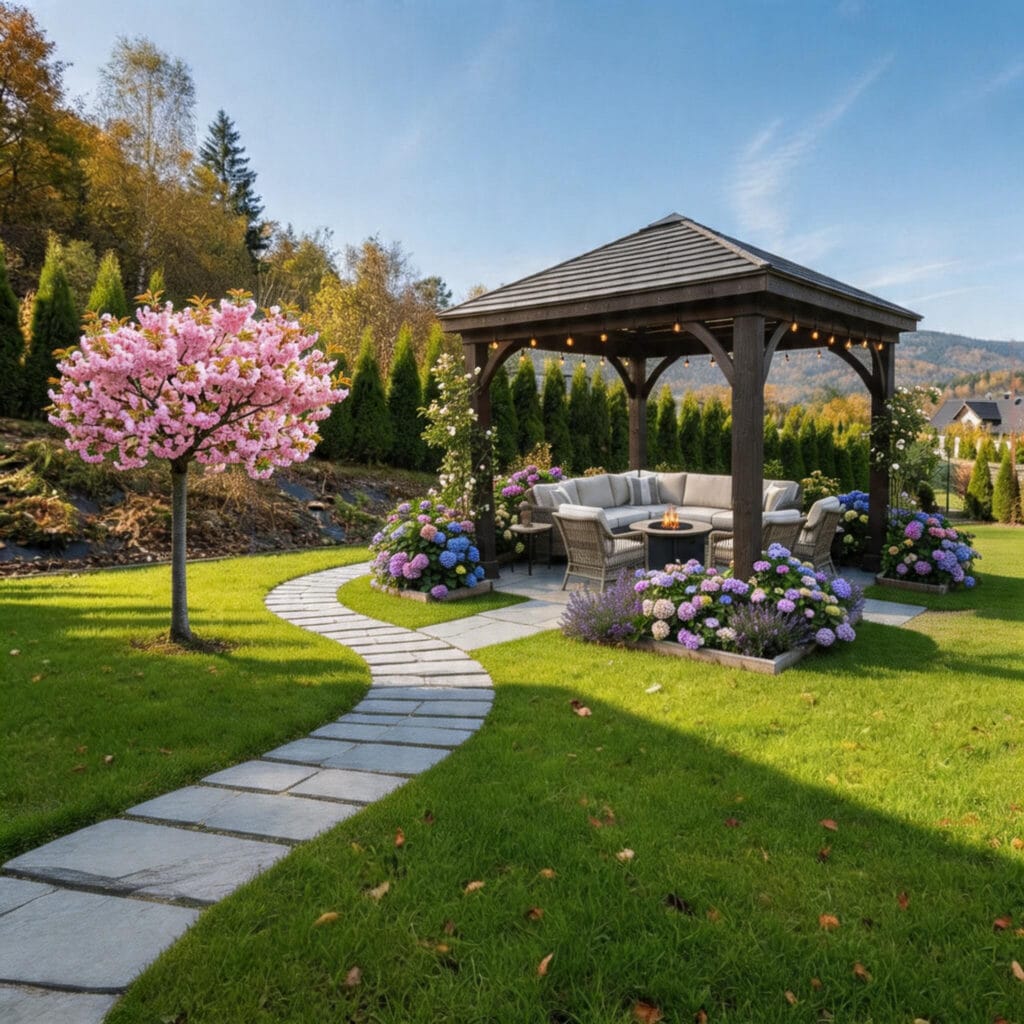
The result?
A perfectly blended visualization that fits naturally into the surroundings, with every element placed exactly where we planned it.
Where can you find this tool?
After logging in, look at the bottom toolbar — the second icon called “Precise Editing.”
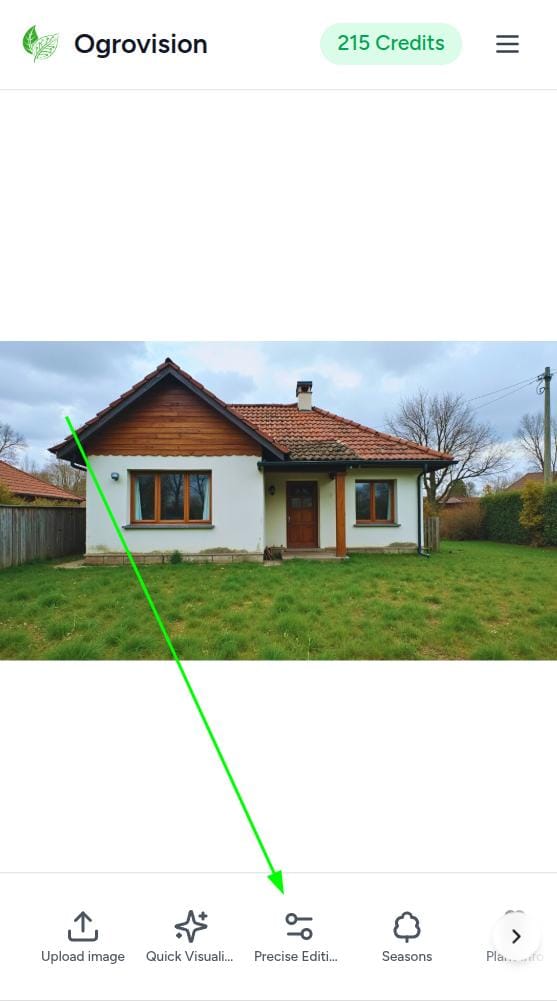
Try Precise Editing
Tool #2 in the bottom toolbar.
Visualization cost: 1 credit.
Try it now →
Precise Editing allows you to design your garden step by step — place elements exactly where you want them and instantly see how everything works together in your real outdoor space.
It also solves two of the most common questions we’ve been getting:
“Why can’t I add plant X to my visualization?”
“Why didn’t the AI place the element where I wanted?”
Now, you decide.