Features

How to Draw Masks in Ogrovision: A Beginner’s Guide
Blog Tutorials

How to Draw Masks in Ogrovision: A Beginner’s Guide

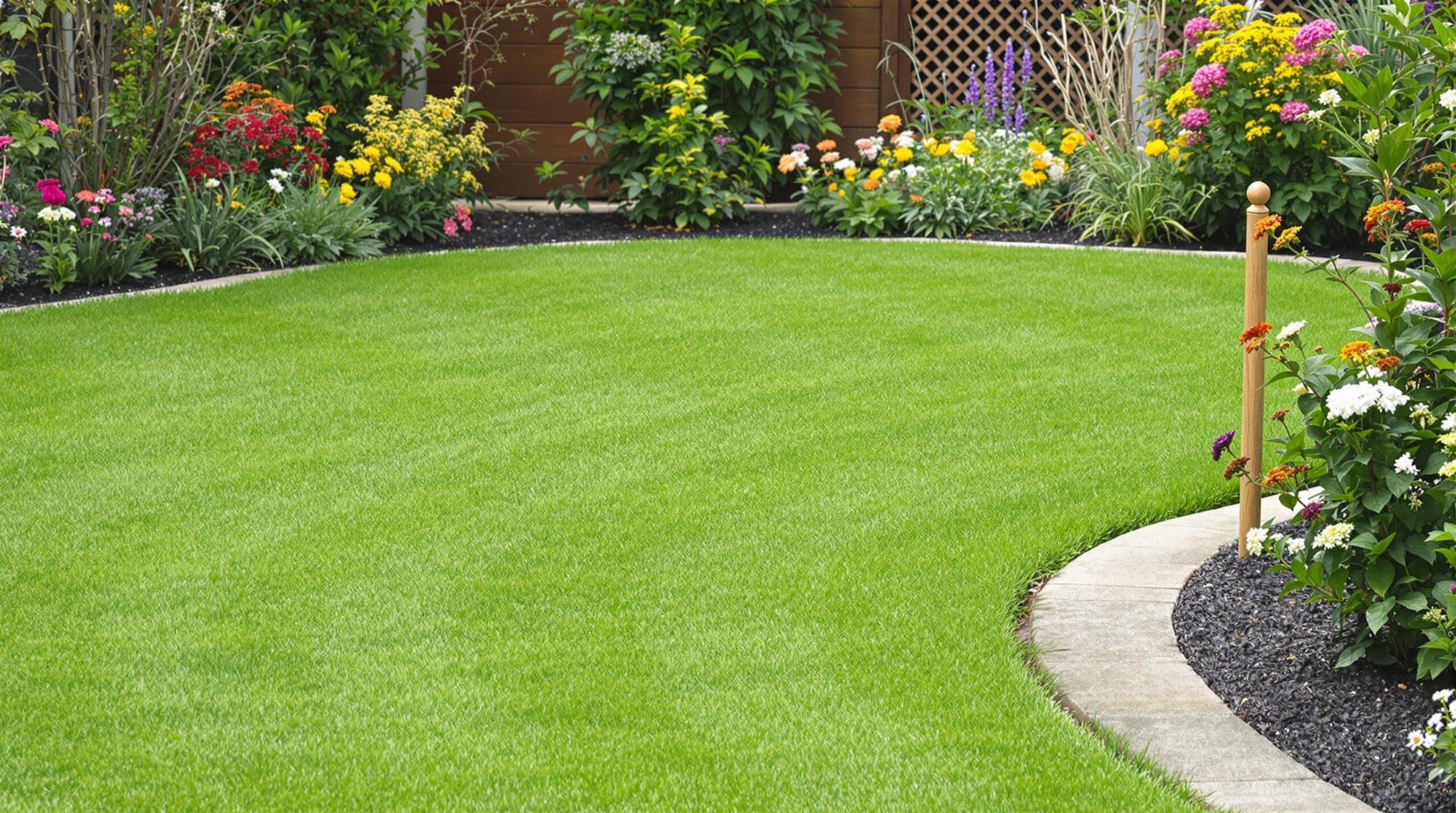
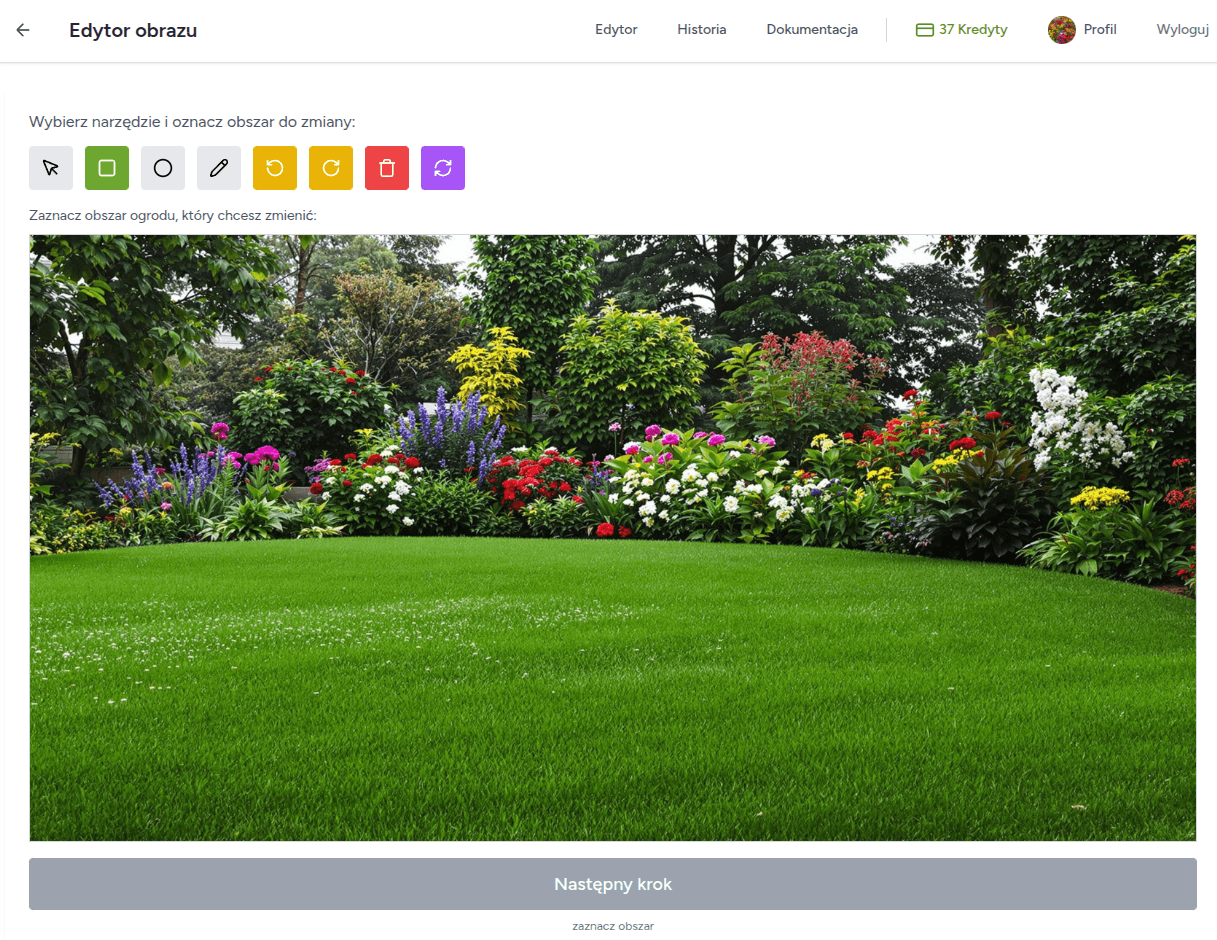
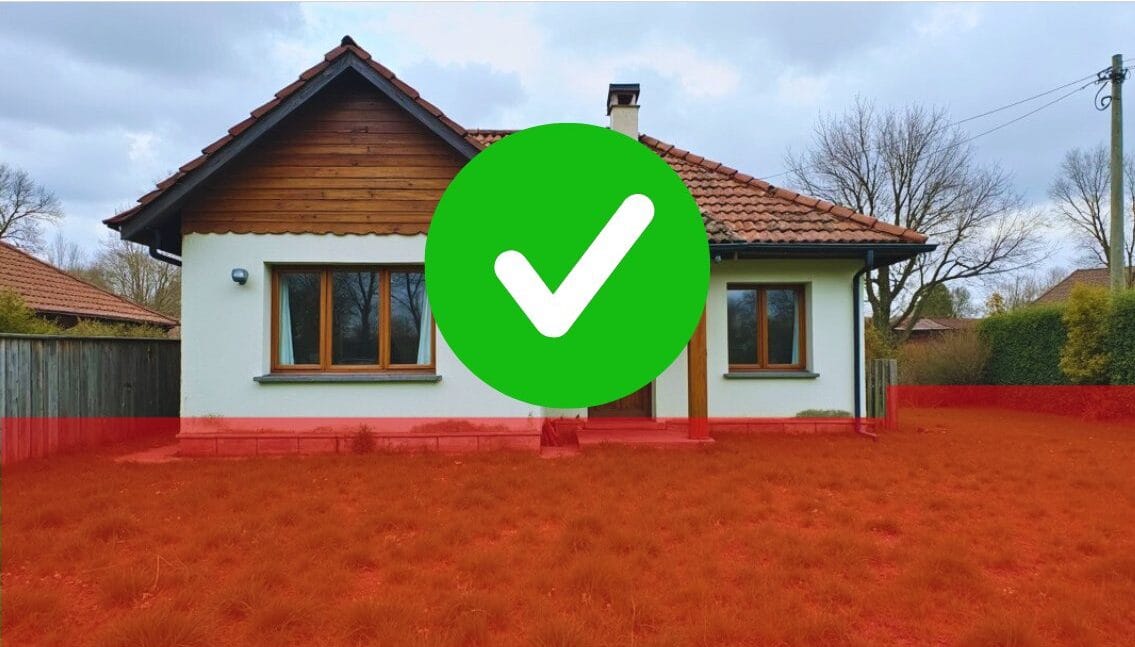
Masks are one of the most important features in Ogrovision, as they let you define exactly which parts of your photo should be changed by the AI. Think of it like “pointing a finger” at the area you want to modify. Although the concept might sound a bit mysterious at first, it’s actually quite simple: once you highlight a specific region of your image (the mask), Ogrovision knows where to apply the changes. Below, you’ll find an easy-to-follow overview on using masks effectively. What Are Masks, and Why Use Them? A “mask” is any section of your photo that you indicate for alteration. Whether you want to add a new row of flowers, adjust the… Read More

New! Plant Info and Planting Plans in Ogrovision
Blog

New! Plant Info and Planting Plans in Ogrovision

It’s here – planting plans and plant information in Ogrovision. Have you ever wondered how fast the plants in your visualization grow, what kind of soil they need, or how to properly care for them? With our new “Plant Info” feature, all this is now just a click away! One Click – Tons of Useful Info After generating a visualization in Ogrovision, you’ll notice a new button: Plant Info. Just one click and selecting a section is all it takes… …or uploading the full image to display detailed data about all the plant species used in your project. You’ll find information such as: Care Instructions for Every Species The new tab also includes: Your Planting Plan,… Read More

How to Fix Photo Orientation Issues in Ogrovision?
Blog Tutorials

How to Fix Photo Orientation Issues in Ogrovision?

While using Ogrovision (AI Garden), many users upload photos directly from their phones. Unfortunately, we often see cases where images have the wrong orientation — vertical photos appear horizontal, and horizontal ones appear vertical. It may seem trivial, but this issue can disrupt the visualization process. Example: At Ogrovision, we’re working on an automatic solution to this issue, but in the meantime we’ve released a manual rotation feature within our editor. This allows users to quickly adjust the orientation of their image and continue working on their garden visualization without interruptions. How to Rotate a Photo in Ogrovision (AI Garden)? The new editor feature lets you rotate images easily using dedicated buttons. Here’s a step-by-step guide:… Read More