AI

How to Draw Masks in Ogrovision: A Beginner’s Guide
Blog Tutorials

How to Draw Masks in Ogrovision: A Beginner’s Guide

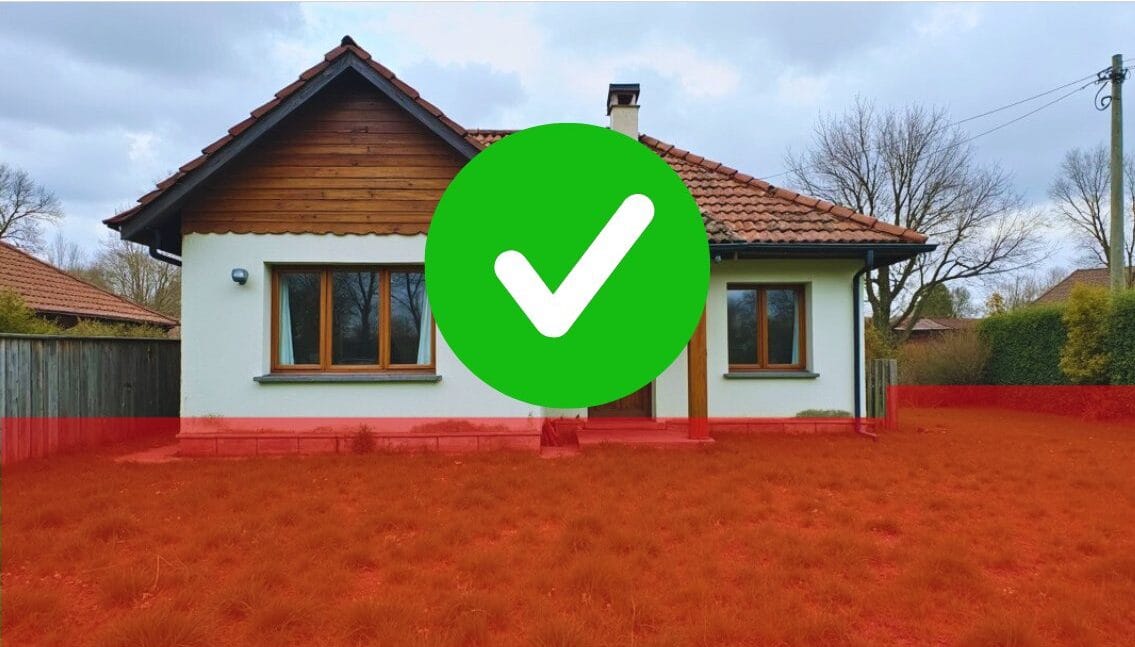
Masks are one of the most important features in Ogrovision, as they let you define exactly which parts of your photo should be changed by the AI. Think of it like “pointing a finger” at the area you want to modify. Although the concept might sound a bit mysterious at first, it’s actually quite simple: once you highlight a specific region of your image (the mask), Ogrovision knows where to apply the changes. Below, you’ll find an easy-to-follow overview on using masks effectively. What Are Masks, and Why Use Them? A “mask” is any section of your photo that you indicate for alteration. Whether you want to add a new row of flowers, adjust the… Read More

AI Garden Design Online – Try Ogrovision for Free
Blog

AI Garden Design Online – Try Ogrovision for Free

AI garden design has never been easier! Thanks to artificial intelligence, you can now create your dream garden plan online in just a few minutes. AI garden design tools analyze your photos, detect space elements, and generate realistic visualizations. And with Ogrovision – the first platform of its kind – you can test these features for free! AI Garden Design – Fast and Easy Makeovers with Ogrovision Most AI garden design tools available on the international market are three times more expensive than Ogrovision and don’t offer a free trial. We give all users two free credits, so you can test everything before making a purchase. How does Ogrovision work? It’s super simple – just three steps:… Read More